BE LOCAL WITH NAVER Map(How to Use Naver Map for Foreigners)

Hello. This is JH from My Korean Guide.

If you are planning a trip to Korea, you might think, “I’ll just use Google Maps like I do everywhere else.” Please stop.

Due to local security laws, Google Maps cannot export map data outside of South Korea. This means Google Maps does not provide walking or driving directions properly in Korea. You will see the map, but it won’t tell you how to get there.

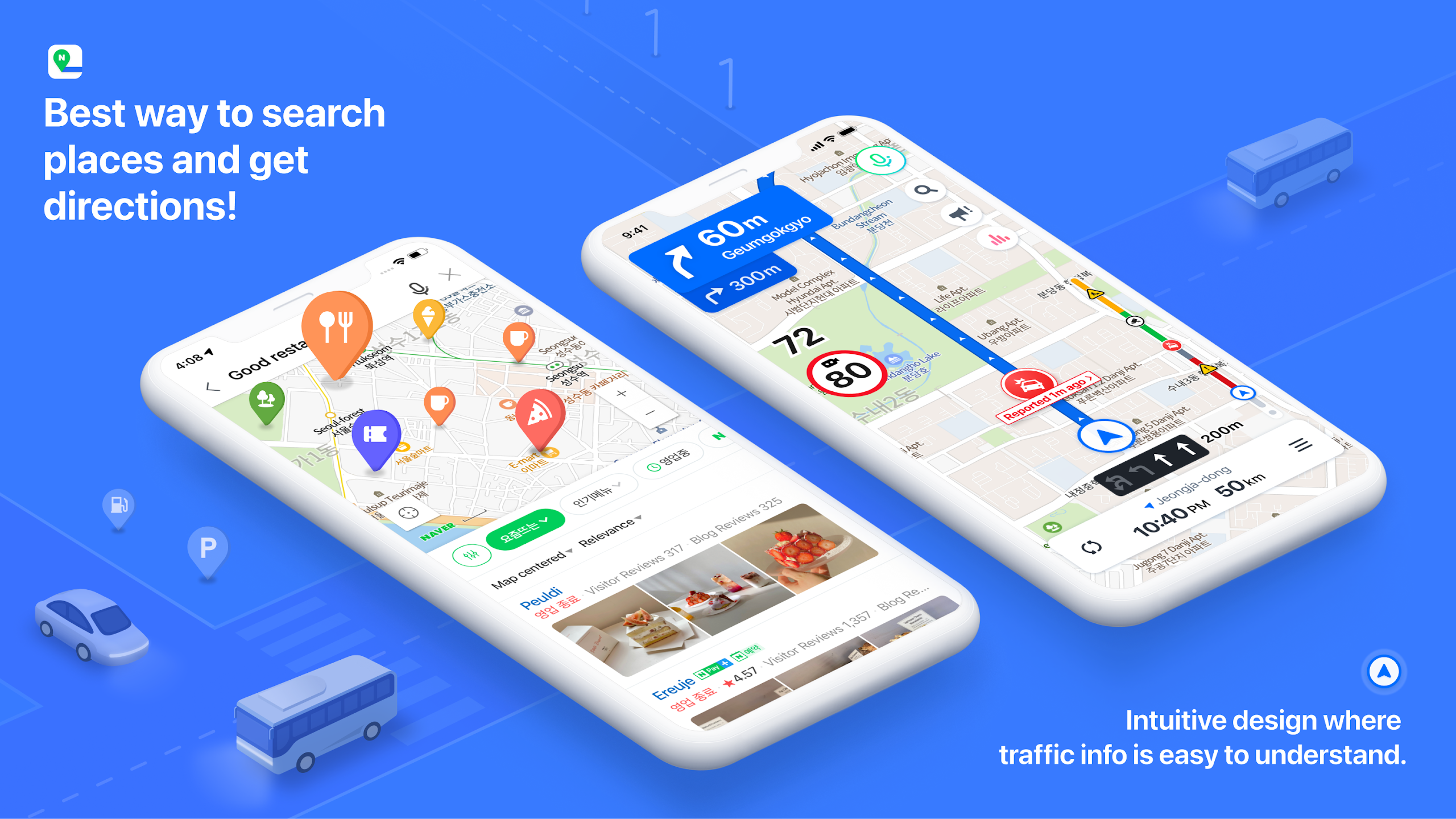
You need Naver Map. It is the “Google Maps of Korea.” This guide shows you how to set it up in English and navigate Seoul like a local.

Why You Must Download Naver Map

  • Accurate Navigation: It provides precise walking, driving, and public transport directions.
  • Real-time Transit Info: It tells you exactly when the next bus or subway is arriving.
  • Detailed Place Info: It has the most updated reviews, photos, and opening hours for Korean businesses.

Step 1: Setting the Language to English

When you first download the app, it might be in Korean. Don’t panic. Here is 2 options how to change it.

Option 1.

Tap the ’BE LOCAL’ bubble on NAVER Map

Option 2.

  1. Open the Naver Map app.
  2. Tap the Menu (≡) icon in the top left corner.
  3. Tap the Settings (⚙️) icon.
  4. Select ‘Language’ and choose ‘English’.
  5. Restart the app. Now, menus and major landmarks will appear in English.

Step 2: Finding Your Way (Public Transport)

Naver Map is incredibly powerful for subways and buses.

  1. Search Destination: Type “Gyeongbokgung Palace” or your hotel name.
  2. Choose Route: Tap ‘Public Transport’ (Bus/Subway icon).
  3. Follow the Colors:
    • Green Line: Subway Line 2
    • Blue Bus: Main city bus
    • Match the color on your screen with the signs at the station.
  4. Real-time Arrival: It will say “Arriving in 3 min”. It is very accurate, so trust it.

Step 3: Pro Tip – Search by Phone Number

Searching in English is good, but sometimes English spellings vary (e.g., Tteokbokki vs. Topokki). The most accurate way to find a restaurant is by Phone Number.

  • If you found a restaurant on Instagram or a blog, copy its phone number (e.g., 02-1234-5678).
  • Paste the number into the Naver Map search bar.
  • It will take you directly to that exact location without spelling errors.

Summary & Comment

Surviving in Korea without Naver Map is very difficult. Even if you love Google Maps, keep it only for reading reviews. For moving around, trust Naver Map.

Key Takeaways:

  • Google Maps Limit: Walking directions do not work in Korea.
  • English Setting: Change the language immediately after downloading.
  • Search Trick: Use phone numbers to find restaurants easily.

If you want a more detailed official guide, check it out link!

Leave a Reply

Your email address will not be published. Required fields are marked *